Overview
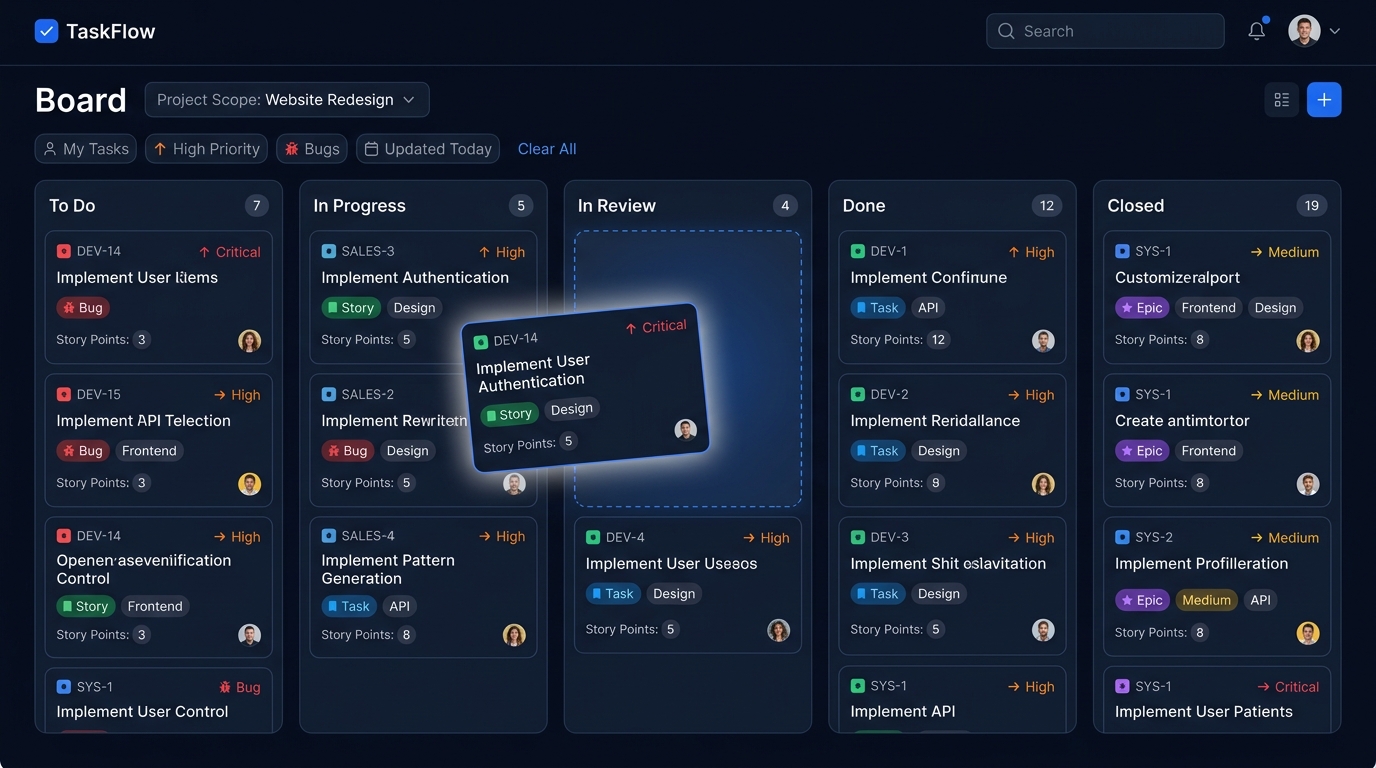
The board lays out every status as a column. Cards show the ticket key, title, type, priority, tags, story points and assignees at a glance.
Drag a card to another column to change its status instantly. A scope dropdown narrows the board to a single project or to your own tickets.
Key capabilities
- Native drag-and-drop between status columns
- Per-column counts
- Scope by project or "my tickets"
- Rich cards with type, priority and assignees
- Optimised layout for TV / wallboard mode
Where it lives in the code
-
v2/board.jsp -
v2/ticket_action.jsp